Let’s be honest for a second. Even as we approach 2026, downloading a massive file directly through a web browser can still be a total nightmare. You know the pain: you’re at 99%, your internet flickers for a microsecond, and suddenly you see that dreaded “Download Failed” notification.
That urge to throw your laptop out the window? I’ve been there.
That’s exactly why I want to talk to you about JDownloader. It’s the tool that stopped me from losing my mind years ago, and frankly, I still ask myself, “Why didn’t I install this sooner?”
If you are still relying on Chrome or Edge’s tiny, slow-moving download bar, this might just change your entire digital life.
What Exactly is JDownloader? (And Why Do You Need It?)
I’m going to skip the boring technical manual definition. Here is what it actually is from my perspective: JDownloader is your digital logistics manager.
Usually, when you want to download a game, a movie, or a huge archive, websites drag you through hell. They make you click through five pages of ads, solve “I am not a robot” puzzles, and then give you a slow download speed.
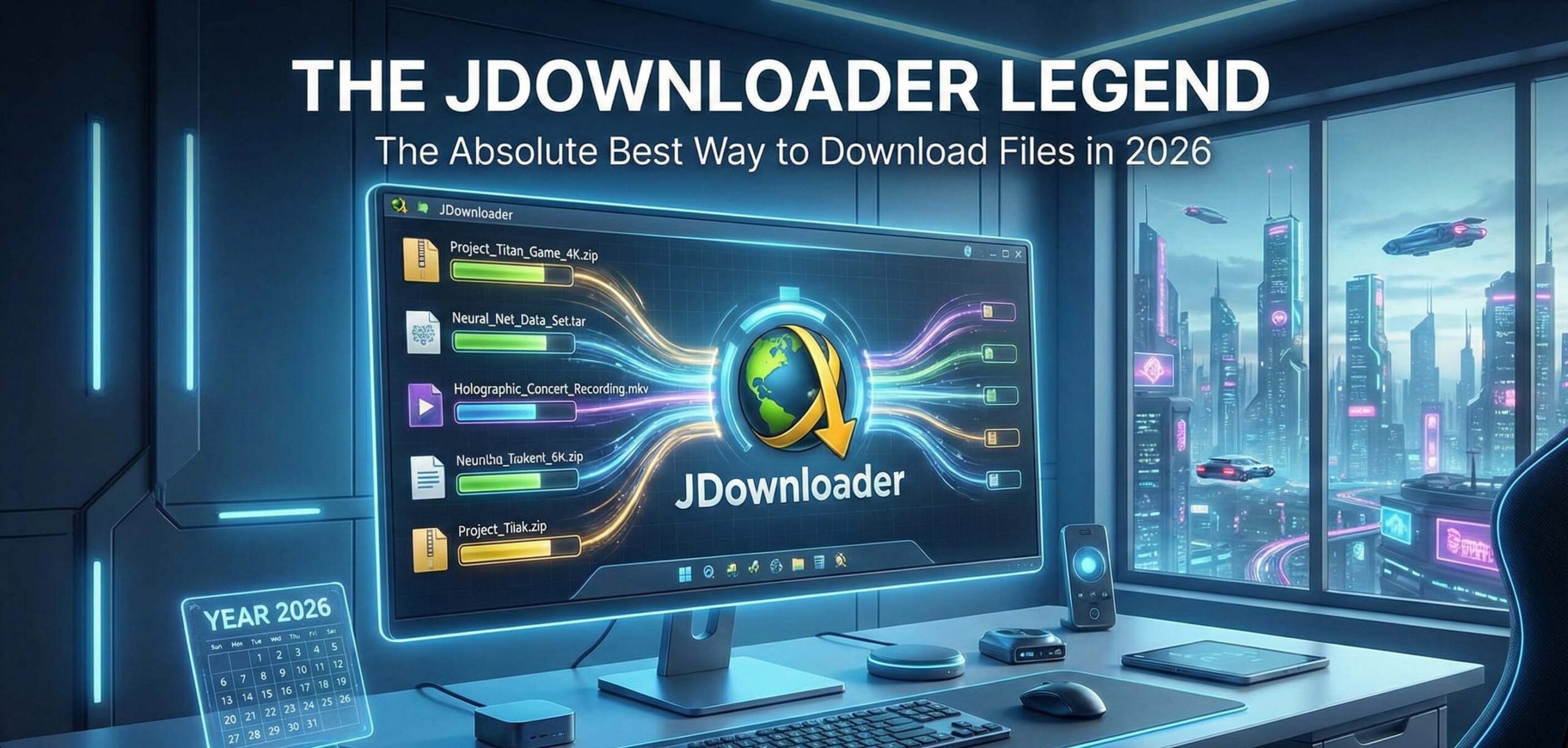
JDownloader is an open-source (completely free) download manager that cuts through that noise. You just copy the link, and it handles the rest.
Here are the features that actually saved me time:
- The “Resume” Function: This is the MVP feature. Did the power go out? Did the Wi-Fi drop? No problem. When you come back online, JDownloader picks up exactly where it left off. It doesn’t restart from zero. This feature alone makes it worth the install.
- Pushing Speed Limits: Browsers usually download a file through a single stream. JDownloader is smarter; it virtually splits the file into chunks and downloads them all simultaneously. The result? You actually get the maximum speed your internet provider promised you.
- The Link Grabber: Let’s say you are on a page with 50 images or video clips. Instead of right-clicking “Save As” fifty times, you just copy the URL of the page. JDownloader analyzes the clipboard and asks, “I found these files, which ones do you want?”
How Do You Use It? (My Step-by-Step Routine)
The interface might look a little cluttered at first glance—I admit that. But the logic is actually super simple. Here is the routine I use:
- The Setup: Download it from the official site (jdownloader.org). Pro tip: During installation, pay attention. Sometimes the installer asks if you want to install extra “sponsored” software. Just hit ‘Skip’ or ‘Decline’. Also, it runs on Java, so if you don’t have Java installed, it will ask to set that up. That’s normal.
- Copy and Relax: Keep the program open in the background. When you find a file (or a YouTube video) you want, just highlight the link and press
Ctrl+C. You don’t even need to paste it. JDownloader detects it and throws it into the “LinkGrabber” tab. - Start the Engine: Check the LinkGrabber tab. If the file status says “Online,” just right-click and hit “Start Download.” That’s it.
A Quick Tip for YouTube & Social Media
I recently needed just the audio from a YouTube interview for a project. Instead of using sketchy converter websites, I copied the video link into JDownloader. It actually gave me a dropdown menu asking: Do you want the video file (MP4) or just the audio (MP3)? For content creators, this feature is an absolute lifesaver.
Is It Safe? (The Big Question)
Since it is open-source, the code is available for the community to inspect, which generally reduces the risk of hidden backdoors. I have been using it for years on multiple machines and have never had a security issue.
However, based on my personal experience, I have one golden rule: Only download it from the official website. Third-party download sites often repackage the installer with ads or malware. Stick to the source, and you’ll be fine.
Final Verdict: Upgrade Your Download Habits
As we see in the 2026 SEO trends, everything is shifting towards “User Experience” and efficiency. JDownloader embodies that. It takes a tedious, frustrating process and automates it.
If you are someone who downloads files regularly, say goodbye to your browser’s weak download manager. Once you see JDownloader automatically queuing up files, downloading them while you sleep, and auto-extracting the ZIP folders by the time you wake up, you’ll wonder how you ever lived without it.
Happy downloading!