Browser extensions we build
Bulk URL Opener | Open Multiple URLs
4.0 ★★★★☆ · 4 ratings (2,453 users)
Paste a list of links and open them all in one click — in tabs, in windows or grouped by domain, with an optional delay between each.

NoName VPN – Free VPN Proxy
4.5 ★★★★½ · 32 ratings (4,025 users)
Free VPN proxy for Microsoft Edge. Pick a server, browse from another country — no account and no registration.

Ad-Free Adblock | Ultimate Ad Blocker
4.0 ★★★★☆ · 24 ratings (3,000 users)
Ad-Free Adblock Ultimate Ad Blocker for a clean, fast, and secure web. Blocks ads, pop-ups, and trackers to protect your privacy.

Merge PDF – PDF Stacker
Merge PDFs and convert JPG/PNG images to PDF — drag to reorder, 100% local processing, no uploads.

Proxia – Free VPN & Proxy
Free VPN & proxy by Proxia. Pick a country and browse privately in one click.

WakeTab – Always Active Tabs
Stop background tabs from going idle — keep music players, dashboards, and web apps running even when you switch tabs.

Deepseek Everywhere: AI Selection Assistant
Select text, ask, explain, summarize or translate with DeepSeek AI — opens in a tab, window, side panel, or popup, your choice.

StayAwake – Power Control
5.0 ★★★★★ · 1 rating (61 users)
Keep your screen or computer awake with one click. Choose a mode, set an auto-off timer, and stop interruptions from sleep mode.

Translate Bar: Google Translate Sidebar
Translate selected text or the whole page with Google Translate — right in a sidebar, without leaving the page.

Video Speed Controller Global
3.9 ★★★★☆ · 7 ratings (2,000 users)
Adjust the playback speed of any HTML5 video — speed up, slow down, rewind, or advance with simple shortcuts.

YouTube Music Everywhere
3.0 ★★★☆☆ · 3 ratings (150 users)
Keep YouTube Music pinned in a side panel, popup, new tab, or standalone window — listen while you browse, in 4 flexible modes.

Right Click Enable – Allow Copy
Unblock right-click, text selection, and copying on any website instantly. Enjoy a restriction-free web browsing experience!
Latest guides
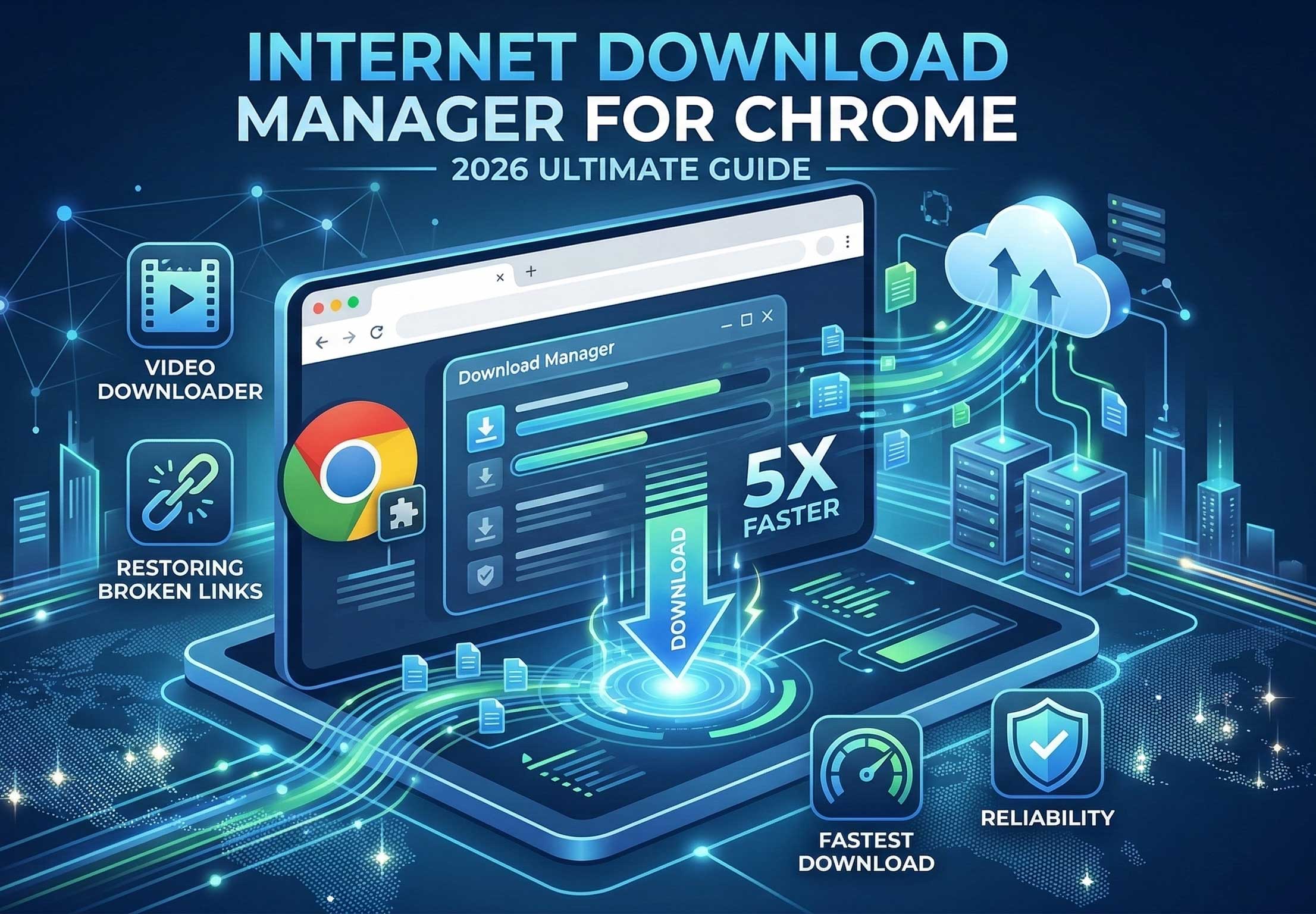
Internet Download Manager for Chrome: 2026 Ultimate Guide
March 6, 2026
Have you ever struggled with frustratingly slow downloads or broken links? Finding the right browser tools can definitely be tough. However, the Internet Download Manager for Chrome solves this problem instantly. This extension is a complete game-changer for anyone dealing with large files. Therefore, this comprehensive guide will show you everything about it. In this
Advanced Download Manager for Chrome: 7 Steps to Faster Downloads in 2026
March 1, 2026
Advanced Download Manager for Chrome is the ultimate solution for users who are tired of slow, interrupted, and disorganized browser downloads. In an era where digital files are getting larger and our time is getting shorter, having a robust tool to manage your data is no longer a luxury—it is a necessity. In this comprehensive
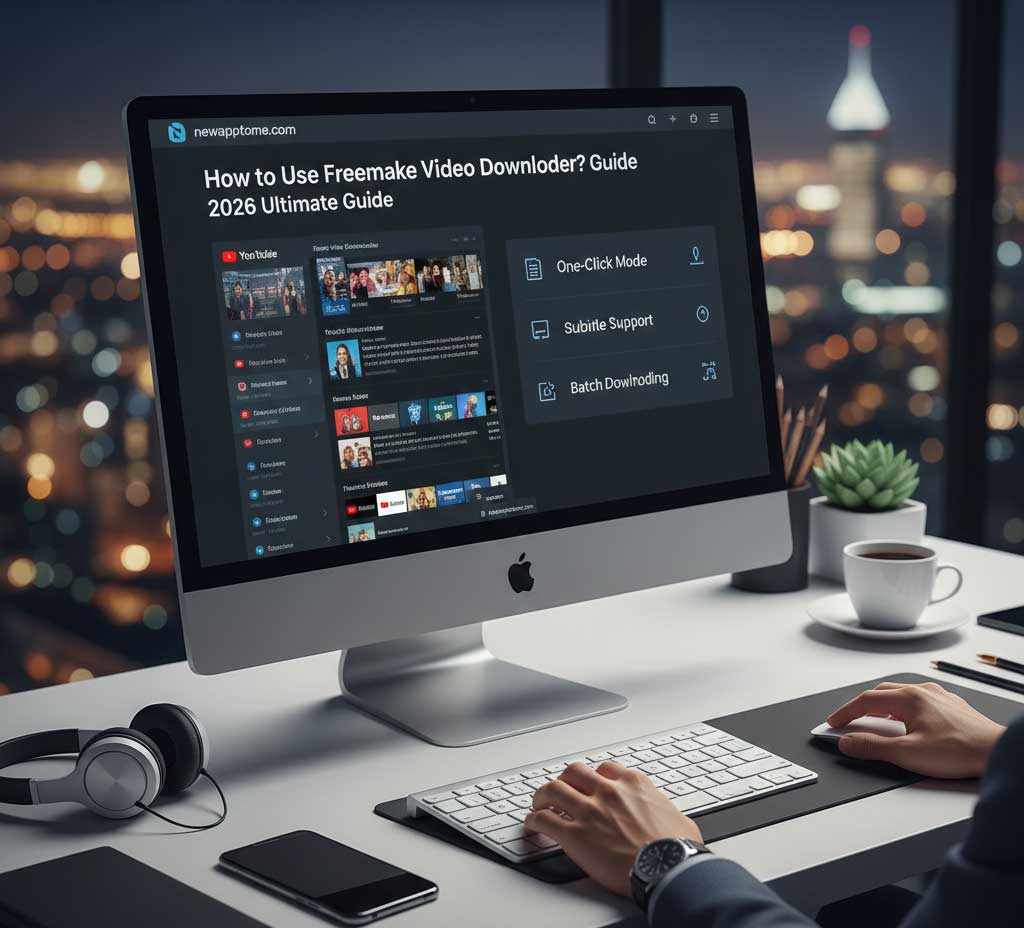
How to Use Freemake Video Downloader? 2026 Ultimate Guide
February 22, 2026
In the digital era of 2026, streaming is king, but having offline access to your favorite content remains a necessity. Whether you are traveling or dealing with a spotty internet connection, knowing how to use Freemake Video Downloader can be a lifesaver. This comprehensive guide will walk you through everything from installation to advanced features.

How to Auto Skip YouTube Ads? 2026 Easy Guide
February 22, 2026
Are you tired of interruptions while watching your favorite videos? If you are wondering how to auto skip YouTube ads, you are definitely not alone. Millions of users search for a reliable way to enjoy a seamless, ad-free video experience every single day. Manually clicking the “Skip Ad” button is frustrating and breaks your focus.

Kaspersky Antivirus Review 2026: The Ultimate Security Guide
February 21, 2026
In 2026, as digital threats become increasingly sophisticated, protecting our devices is no longer optional—it is a necessity. This is exactly where Kaspersky antivirus software, a long-standing pioneer in the industry, steps in. But with so many alternatives on the market, is choosing Kaspersky still the right move? In this comprehensive guide, we will dive
Hard Refresh Chrome Shortcut & Best Clear Cache Extension Chrome (2026 Guide)
February 19, 2026
Using a hard refresh chrome shortcut or a clear cache extension chrome is the most effective way to fix broken websites and outdated content instantly. When a website doesn’t update correctly, your browser is likely clinging to old files. A simple reload won’t fix it. You need to force the browser to fetch fresh data.