In 2026, as digital threats become increasingly sophisticated, protecting our devices is no longer optional—it is a necessity. This is exactly where Kaspersky antivirus software, a long-standing pioneer in the industry, steps in. But with so many alternatives on the market, is choosing Kaspersky still the right move?
In this comprehensive guide, we will dive deep into Kaspersky’s place in the cybersecurity world, its core features, browser integrations, and its true impact on system performance.
What is Kaspersky antivirus and Why Should You Choose It?
Kaspersky is a global cybersecurity company that has been providing digital security solutions for over a quarter of a century. Its virus protection program goes beyond blocking basic threats; it uses AI-driven algorithms to provide proactive defense against zero-day attacks that have not yet been fully identified.
From protecting your online banking to securing personal data, Kaspersky stands out with its multi-layered security architecture.
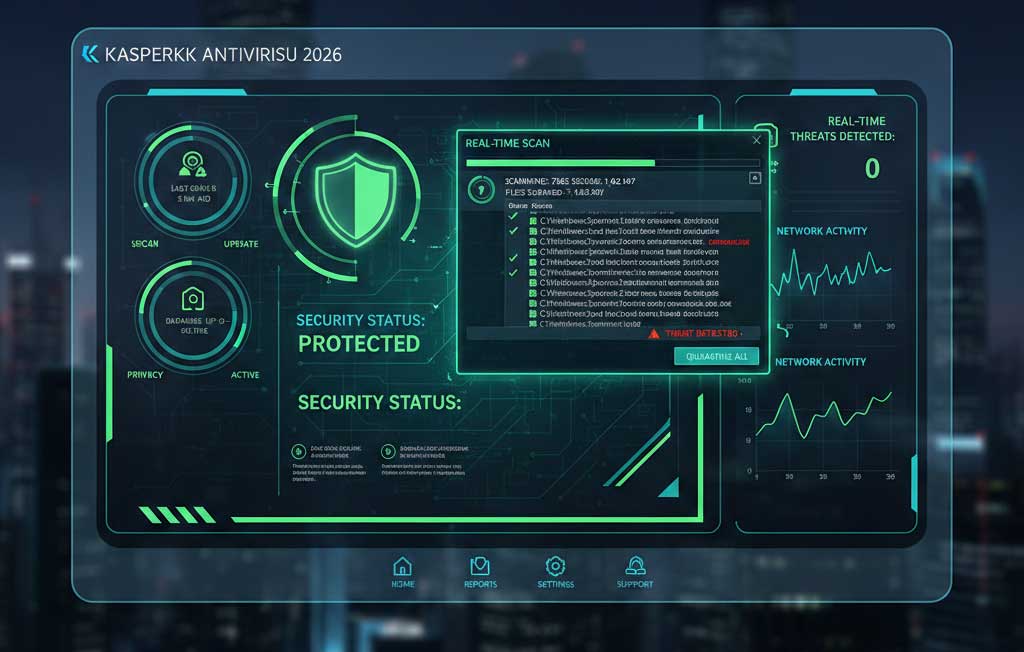
Core Cybersecurity Features
When searching for the best cybersecurity suite, the toolset is what matters most. Here are the primary features that make Kaspersky highly effective:
- Real-Time Malware Defense: The software instantly scans every downloaded file and visited website, blocking malware and trojans before they can infiltrate your system.
- Advanced Ransomware Protection: Kaspersky actively monitors for suspicious file modifications and can instantly roll back encrypted files to their original state, stopping ransomware in its tracks.
- Safe Money Technology: Payment details entered on e-commerce or banking sites are processed in an isolated, encrypted browser window, making it impossible for data thieves to intercept your sensitive information.
The Power of Kaspersky antivirus Browser Extensions
A robust desktop application is great, but securing the browser environment is critical since it is your primary gateway to the internet. The Kaspersky Protection browser extension serves as an essential frontline defense.
Working seamlessly within Chromium and other browser engines, the extension inspects DOM elements and intercepts malicious scripts directly via the browser’s API before they can execute. This provides a highly secure environment without bloating the browser’s memory usage.
Table 1: Kaspersky Extension Capabilities
| Extension Feature | Technical Mechanism | User Benefit |
| Dangerous URL Blocker | Cross-references URLs with a real-time cloud database. | Prevents phishing and malicious downloads. |
| Anti-Banner | Blocks ad-network scripts and tracking pixels via browser API. | Faster page load times and increased privacy. |
| On-Screen Keyboard | Bypasses OS-level inputs to prevent hardware tracking. | Protects passwords from hidden keyloggers. |
System Performance Impact: Does It Slow Down Your PC?
Historically, antivirus programs were heavily criticized for slowing down computers. However, Kaspersky utilizes cloud-based scanning technology to keep local system resource consumption to a bare minimum.
Independent testing shows that even during high-resource tasks, the background processes do not cause a noticeable lag. The built-in “Gaming Mode” also ensures that notifications and updates are paused during heavy usage.
Table 2: Performance Benchmark (2026 Average Results)
| Task | PC Without Kaspersky | PC With Kaspersky Active | Impact |
| System Boot Time | 12.5 seconds | 12.8 seconds | Minimal (+0.3s) |
| Standard App Launch | 2.1 seconds | 2.2 seconds | Negligible (+0.1s) |
| Heavy Gaming (FPS) | 120 FPS | 118 FPS | Barely noticeable |
Pros and Cons of Kaspersky Antivirus
To give you a balanced view, here is a quick breakdown of where Kaspersky shines and where it could improve:
Pros:
- Exceptional zero-day malware detection rates.
- Lightweight background processing that does not drain CPU power.
- Highly technical and responsive browser extension ecosystem.
Cons:
- The initial full-system scan can be time-consuming.
- Premium subscription plans can become expensive upon renewal.
Which Kaspersky Plan is Right for You?
Choosing the right package depends entirely on your daily digital habits.
Table 3: Plan Comparison
| Plan Tier | Key Features Included | Best Suited For |
| Standard | Antivirus, Anti-Phishing, Performance optimization | Basic users browsing the web |
| Plus | Standard features + Unlimited VPN, Data Leak Checker | Frequent travelers and remote workers |
| Premium | Plus features + Identity Protection, Expert Virus Removal | Heavy internet users and crypto investors |
Conclusion
Ultimately, Kaspersky antivirus remains one of the strongest cybersecurity shields available in 2026. With its user-friendly interface, lightweight system footprint, and highly efficient browser extensions, it easily meets modern security demands. Whether you are a standard user or a professional handling sensitive data, investing in Kaspersky is a smart step toward securing your digital life.