
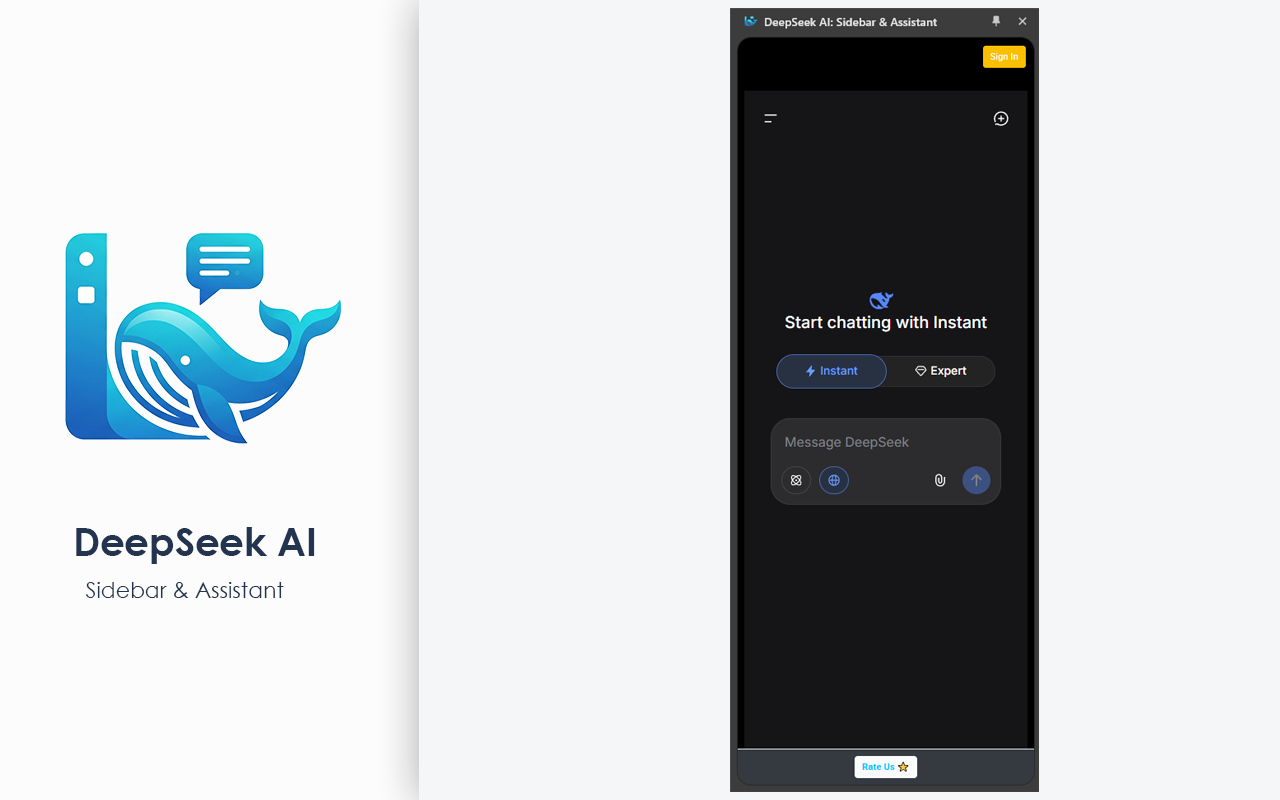
DeepSeek AI: Sidebar & Assistant – The Power of AI, Right by Your Side in Every Tab!
DeepSeek, one of today's most powerful and intelligent AI models, is now just a single click away while you browse, work, or code! The DeepSeek AI: Sidebar & Assistant browser extension integrates seamlessly with Google Chrome, Microsoft Edge, Mozilla Firefox, and Naver Whale to completely transform your web experience.
No more getting lost in dozens of tabs or interrupting your workflow just to ask a quick question. Boost your productivity to the maximum with your smart assistant operating directly from your browser's sidebar!
🚀 Why Choose DeepSeek AI: Sidebar & Assistant?
Multi-Browser Support: Whether you use Chrome, Edge, Firefox, or Whale... enjoy the same stable, fast, and seamless experience across all platforms.
Always by Your Side (Sidebar): Fixed right into your browser's sidebar, the assistant lets you chat with DeepSeek instantly without closing, hiding, or leaving your current webpage.
Instant Text Analysis: Highlight a complex paragraph or article on any website to summarize it, translate it into different languages, or ask for a detailed explanation in one click.
Advanced Coding Support: A perfect companion for developers! Analyze code blocks, debug errors, or generate boilerplate code structures on the fly.
Lightweight & Fast: Built to be resource-efficient, it won’t slow down your browser and delivers lightning-fast responses.
💡 What Can You Do With It?
Summarization & Translation: Extract key insights from long blog posts, academic papers, or news articles in seconds. Effortlessly translate foreign sources into your native language.
Smart Content Creation: Break through writer's block. Let your assistant draft emails, social media copies, blog posts, or creative texts for you in minutes.
Instant Q&A: Get answers to your burning questions immediately without spending hours digging through search engine results—right from your sidebar.
🛠️ How to Install DeepSeek AI: Sidebar & Assistant?
Follow these simple steps to add our extension to your browser and start using it in seconds:
Step 1: Visit Your Browser's Store
Click on one of the official download buttons listed above that matches your current browser (Chrome Web Store, Edge Add-ons, etc.).
Step 2: Add the Extension
On the store page, click the "Add to Chrome", "Get", or "Add to Browser" button.
Step 3: Confirm Permissions
A pop-up will appear at the top of your screen. Click "Add extension" or "Confirm" to finalize the installation.
Step 4: Pin the Extension (Recommended)
For quick access, click the Extensions (Puzzle piece 🧩) icon in the top-right corner of your browser and click the Pin (📌) icon next to DeepSeek AI: Sidebar & Assistant.
🎉 You're All Set!
Open your browser's sidebar and start chatting with DeepSeek immediately!
Frequently Asked Questions
A: Yes, our extension is completely free to download and use on all supported browsers.
A: The extension works seamlessly across Google Chrome, Microsoft Edge, Mozilla Firefox, and Naver Whale.
A: To enjoy the full capabilities and manage your own limits, it is recommended to log into your DeepSeek account or connect your API key.
A: You can easily open or close the sidebar by clicking on the extension icon in the top-right corner of your browser.
A: Yes! You can highlight code blocks to ask for explanations, debug errors, or generate boilerplate code directly inside the sidebar.
A: Absolutely. Our extension does not store or share your personal data or browsing history. It only processes the specific texts you send to the AI for analysis.
Privacy Policy Content...
Reviews Content...